Lesson 1 of 12Done
Growth Informer Overview
After watching, you can read your dashboard and you know what every part of Growth Informer is for.
What you will learn
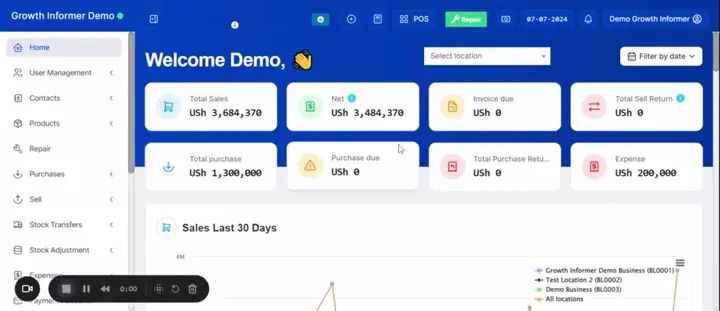
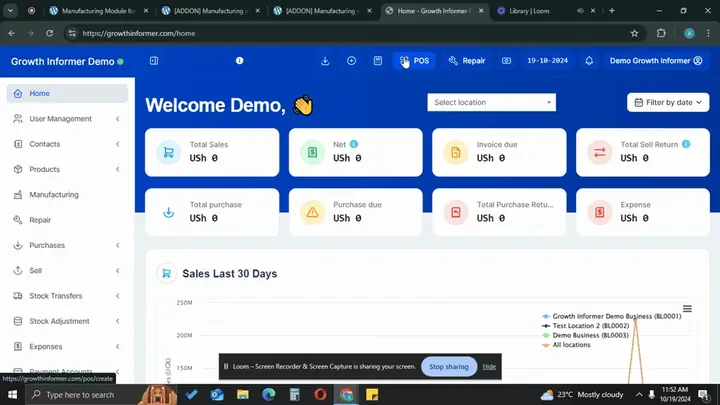
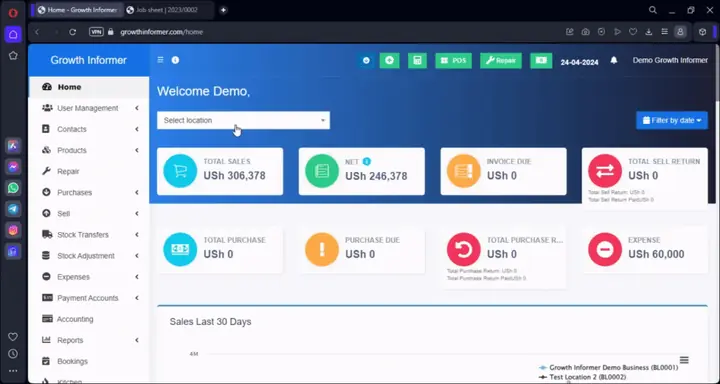
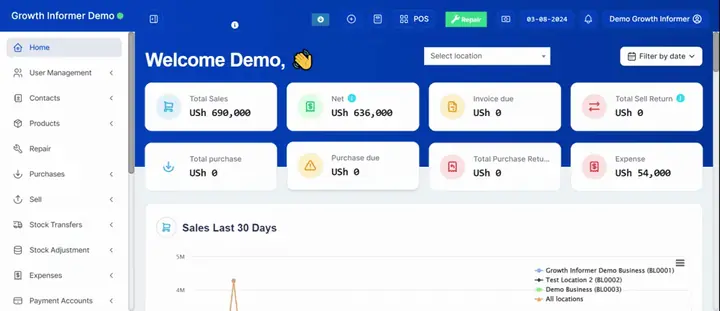
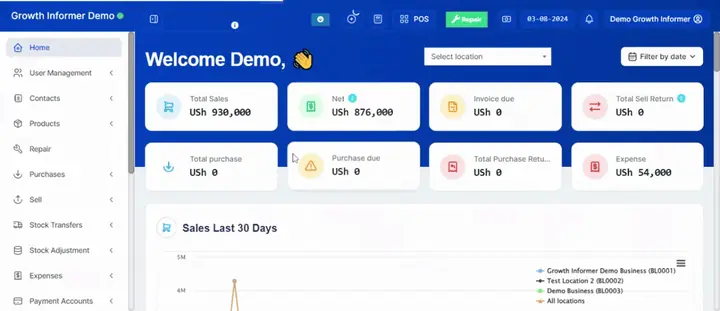
- How the dashboard sums up a day or a period: total sales, net (sales minus invoices due minus expenses), credit owed to you, purchases, returns and expenses.
- Where the system warns you: payments due from customers and to suppliers, items at zero, and items about to expire.
- What else is in the system: POS, roles and users, customer and supplier ledgers, products, repair job sheets, stock, expenses, accounts, reports, kitchen screen, assets, HR and the hotel edition.
Before you start
Nothing. This is the starting lesson. A login helps you follow along, but you can watch it first.
Steps to follow
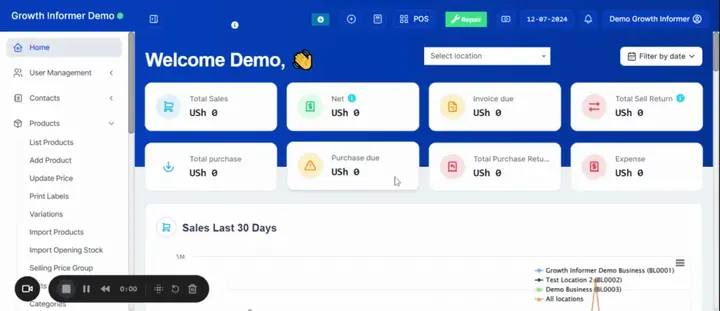
- Open the dashboard and filter by location and by date or period.
- Read Total sales, then Net, which is sales minus invoices due minus expenses. That is the cash you should have for the period.
- Check Invoice due (what customers owe you on credit), sell returns, total purchases, purchase returns and expenses.
- Scroll down to see sales for the last 30 days by location and sales for your financial year, and set the month your financial year starts.
- Check Sales payments due and Purchase payments due. Filter by location and add a payment from there.
- Watch the stock alerts for items at zero and items about to expire. You choose how many days of warning you want.
- Open the point of sale, then roles and users. Decide what each person can see, add, edit or delete. Each user needs an email so their password can be recovered.
- Open a customer or supplier ledger, which you can print or save as a PDF to share when you ask for payment.
Try it now: your quick win
Open your dashboard, choose today and your location, and write down your Total sales and your Net figure.